Real-Time Features with WebSockets and Django Channels
A practical guide to adding WebSocket support to Django, handling connection state, and keeping things performant at scale.
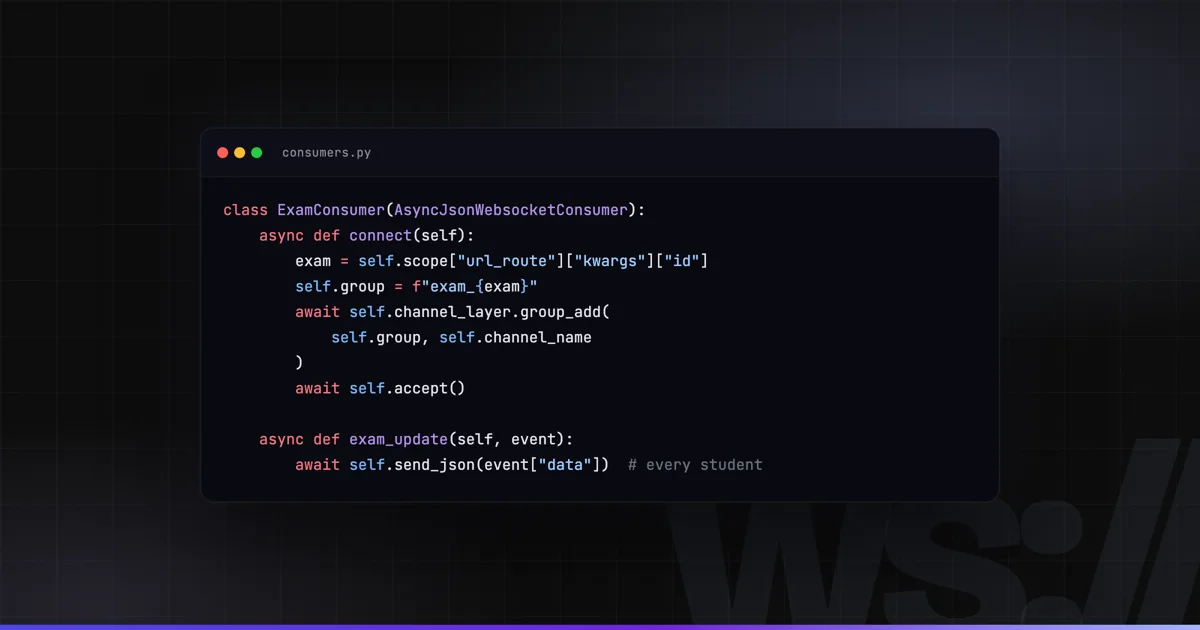
Django is a synchronous framework by design, and that’s mostly fine. HTTP is request-response — you get a request, you return a response, the connection closes. But modern applications need something different: live dashboards, collaborative features, instant notifications. For that, you need a persistent connection.
Django Channels extends Django to handle WebSockets, long-polling, and other async protocols. It’s the official solution, well-maintained, and production-proven. Here’s how to use it without shooting yourself in the foot.
Architecture Overview
Without Channels, Django runs through a single WSGI process per request. With Channels, you add:
- ASGI interface — replaces WSGI, handles both HTTP and WebSocket connections
- Channel layer — a message-passing backend (Redis) that lets different server processes communicate
- Consumers — async Python classes that handle WebSocket connections, analogous to Django views
The mental model: a consumer is a long-lived object. It connects, handles messages, and eventually disconnects. Unlike views, it has state throughout the connection.
Setup
Install the dependencies:
pip install channels channels-redis daphneUpdate settings.py:
INSTALLED_APPS = [
    # ...
    'channels',
    'daphne',
]

ASGI_APPLICATION = 'myproject.asgi.application'

CHANNEL_LAYERS = {
    'default': {
        'BACKEND': 'channels_redis.core.RedisChannelLayer',
        'CONFIG': {
            'hosts': [('redis', 6379)],
        },
    },
}
Update asgi.py:
import os
from django.core.asgi import get_asgi_application
from channels.routing import ProtocolTypeRouter, URLRouter
from channels.auth import AuthMiddlewareStack
import myapp.routing

os.environ.setdefault('DJANGO_SETTINGS_MODULE', 'myproject.settings')

application = ProtocolTypeRouter({
    'http': get_asgi_application(),
    'websocket': AuthMiddlewareStack(
        URLRouter(myapp.routing.websocket_urlpatterns)
    ),
})
Writing a Consumer
Here’s a consumer for a real-time notification feed. When a user connects, they join a group specific to their user ID. When you want to push a notification, you send a message to that group:
# consumers.py
import json
from channels.generic.websocket import AsyncWebsocketConsumer

class NotificationConsumer(AsyncWebsocketConsumer):

    async def connect(self):
        self.user = self.scope['user']

        if not self.user.is_authenticated:
            await self.close()
            return

        self.group_name = f'notifications_{self.user.id}'

        # Join the user's notification group
        await self.channel_layer.group_add(
            self.group_name,
            self.channel_name
        )
        await self.accept()

    async def disconnect(self, close_code):
        await self.channel_layer.group_discard(
            self.group_name,
            self.channel_name
        )

    async def receive(self, text_data):
        # Handle messages from the client
        data = json.loads(text_data)
        if data.get('type') == 'ping':
            await self.send(text_data=json.dumps({'type': 'pong'}))

    # Called when a message is sent to this user's group
    async def notification_message(self, event):
        await self.send(text_data=json.dumps({
            'type': 'notification',
            'message': event['message'],
            'data': event.get('data', {}),
        }))
# routing.py
from django.urls import re_path
from . import consumers
websocket_urlpatterns = [
re_path(r'ws/notifications/$', consumers.NotificationConsumer.as_asgi()),
]Sending Messages from Django Code
The beauty of the channel layer is that you can push to a WebSocket from anywhere in your Django codebase — a Celery task, a Django signal, a management command:
# tasks.py
from asgiref.sync import async_to_sync
from channels.layers import get_channel_layer

channel_layer = get_channel_layer()

def notify_user(user_id: int, message: str, data: dict = None):
    async_to_sync(channel_layer.group_send)(
        f'notifications_{user_id}',
        {
            'type': 'notification_message',  # maps to the consumer method
            'message': message,
            'data': data or {},
        }
    )
Call notify_user(user.id, "Your export is ready", {"download_url": url}) from any synchronous Django code, and all browser tabs connected as that user receive the message instantly.
Connection State and Reconnection
The biggest mistake I see in WebSocket implementations is treating the connection as reliable. Networks drop, servers restart, browsers go to sleep. You need a reconnection strategy on the client:
class ReconnectingWebSocket {
    constructor(url) {
        this.url = url;
        this.reconnectDelay = 1000;
        this.maxDelay = 30000;
        this.connect();
    }

    connect() {
        this.ws = new WebSocket(this.url);

        this.ws.onopen = () => {
            console.log('Connected');
            this.reconnectDelay = 1000; // reset on successful connection
        };

        this.ws.onmessage = (event) => {
            this.handleMessage(JSON.parse(event.data));
        };

        this.ws.onclose = (event) => {
            if (event.code !== 1000) { // 1000 = normal closure
                setTimeout(() => this.connect(), this.reconnectDelay);
                this.reconnectDelay = Math.min(
                    this.reconnectDelay * 2,
                    this.maxDelay
                );
            }
        };
    }

    handleMessage(data) {
        // handle incoming messages
    }

    send(data) {
        if (this.ws.readyState === WebSocket.OPEN) {
            this.ws.send(JSON.stringify(data));
        }
    }
}
Exponential backoff prevents hammering your server when it restarts.
Scaling: One Redis, Many Processes
The channel layer handles scaling. When you run multiple Daphne processes (or Uvicorn workers) behind a load balancer, each process has its own WebSocket connections but they all share the same Redis channel layer.
When you call channel_layer.group_send, Redis broadcasts to all processes in the group. Each process checks if any of its local connections belong to that group and delivers the message. This works transparently across 1 server or 20.
upstream websocket {
    server app1:8000;
    server app2:8000;
    server app3:8000;
}

server {
    location /ws/ {
        proxy_pass http://websocket;
        proxy_http_version 1.1;
        proxy_set_header Upgrade $http_upgrade;
        proxy_set_header Connection "upgrade";
        proxy_set_header Host $host;
        proxy_read_timeout 86400;  # 24h - prevents nginx from closing idle connections
    }
}
A Note on Performance
Channels is not the right tool for high-frequency, low-latency data streaming (think: live trading feeds, multiplayer games). For 99% of web application use cases — notifications, chat, live dashboards, collaborative editing — it performs excellently.
For the government education platform I worked on, we used Channels to push real-time exam status updates to thousands of simultaneous students. It held up without issue on a single Redis instance and two Daphne processes.
If you’re pushing more than a few thousand messages per second, benchmark your Redis instance. That’s typically where the limit is, not Django itself.
Work with me
Want something like this built for you?
I have built software for enterprises and governments for 20+ years — web apps, SaaS platforms, APIs and cloud infrastructure. Tell me what you want to build, fix, or scale, and I will be honest about scope, risks, and the best next step.
€85–120/hour · reply within 24 hours